• Category Archives JWildfire
  • JWildfire V2.00 ALPHA 3 release

    Just released JWildfire V2.00 ALPHA 3 which comes with some really nice additions I wanted to publish before having completed the whole thing:

    Complete list of changes so far:

    • ALPHA 3:
    • retain selected layer after “Undo”/”Redo”
    • smoother transition between DoF and non-DoF-areas
    • new “Stripes”-random-gradient-generator
    • renamed the misspelled “Responsibility”-property into “Responsiveness”
    • fine-tuned the new “responsiveness”-setting
    • ALPHA 2:
    • new “Black&White”-random-flame-generator inspired by the “B&W converter”-script by Brad Stefanov and Mick Hogan
    • changed the “*crop”, “*circlecrop” and “fract*”-variations to use the new mechanism to hide samples (should remove an “annoying vertical line” in some cases)
    • support for actually hiding pixels which can be used from within variations to control visibility, especiall useful for cropping which really crops instead of setting points at a random position or zero
    • added a new experimental option to make the program (and the OS) more responsible while rendering. This is enabled by default. Change the property “tinaResponsibility” in the Prefs-window to tune the behaviour
    • internally reworked the strategy of the refresh of the display of the interactive renderer
    • added new scripts “Add Random Final FX by MH and MO”, “Textured_Cylinders_Rev01_by_MH” and “Crackle_Styles_Chooser_Rev01_by_MH”, all created  by Mick Hogan, as Standard-Scripts
    • added new scripts “LoonieSplits DT”, “Buckballs by DT” and “M&M Flower DT”, all created  by Don Town as Standard-Scripts
    • experimental support for an additional alpha channel which can be modified by variations
    • new “dinis_surface”-variation
    • new “pre_rect”-variation
    • ALPHA 1:
    • created a fix to avoid the default “overexposing” of many flames, i.e. most renders should look darker by default, but should look more smooth
    • created a new “Bokeh”-subtab on the “DOF”-tab. Here you can adjust different options to create awesome “bokeh”-like effects
    • tried to make the Interactive Renderer behave more “smooth”
    • added two new parameters to “fract_*”-variations: “z_fill” to fill the vertical gaps in 3d-mode, “z_logscale” to use log-scale in z-direction (nice for creating 3D-meshes)
    • fixed an unwanted “dot” in the “primitives_wf”-variation, when drawing a pyramid-shape
    • new experimental “xheart_blur”-variation (which bases on “xheart” by Xyrus02)
    • fixed dark background in the help-section

    Note: please do not use the new “Channel Mixers”-tab yet 😉

    Enjoy! 🙂

  • Solidification of Flamez – a different flame-fractal-video

    Was a lot of work, but now it is done, my new video, enjoy 🙂

    CREDITS
    Concept and Visuals by thargor6 (author of JWildfire)

    MUSIC
    “The History of Soil” by Kausemus from the album “No I” (2014)
    Used by permission. All rights reserved
    https://www.facebook.com/kausemusmusic
    https://itunes.apple.com/fi/artist/kausemus/id475318081

    FLAME FRACTALS
    All fractals where generated, animated and rendered using the free JWildfire software.
    http://www.jwildfire.org/

    FRACTAL MESHES
    All fractal meshes where generated using JWildfire and were refined and smoothed using the free MeshLab software.
    http://www.jwildfire.org/
    http://meshlab.sourceforge.net

    3D-RENDERING
    Most of the 3D-rendering was done using LightWave, some stills were created using Bryce.
    http://www.lightwave3d.com
    http://www.daz3d.com/products/bryce

    VIDEO CUTTING
    The cutting and encoding of this video was done using Adobe Premiere.
    http://www.adobe.com


  • JWildfire V2.00 ALPHA 2 release

    Just released JWildfire V2.00 ALPHA 2 which again comes with some really nice additions (major features: better responsibility of the program and the possibility to actually hide samples from within variations which is especially interesting for cropping) I wanted to publish before having completed the whole thing:

    Complete list of changes so far:

    • ALPHA 2:
    • new “Black&White”-random-flame-generator inspired by the “B&W converter”-script by Brad Stefanov and Mick Hogan
    • changed the “*crop”, “*circlecrop” and “fract*”-variations to use the new mechanism to hide samples (should remove an “annoying vertical line” in some cases)
    • support for actually hiding pixels which can be used from within variations to control visibility, especiall useful for cropping which really crops instead of setting points at a random position or zero
    • added a new experimental option to make the program (and the OS) more responsible while rendering. This is enabled by default. Change the property “tinaResponsibility” in the Prefs-window to tune the behaviour
    • internally reworked the strategy of the refresh of the display of the interactive renderer
    • added new scripts “Add Random Final FX by MH and MO”, “Textured_Cylinders_Rev01_by_MH” and “Crackle_Styles_Chooser_Rev01_by_MH”, all created  by Mick Hogan, as Standard-Scripts
    • added new scripts “LoonieSplits DT”, “Buckballs by DT” and “M&M Flower DT”, all created  by Don Town as Standard-Scripts
    • experimental support for an additional alpha channel which can be modified by variations
    • new “dinis_surface”-variation
    • new “pre_rect”-variation
    • ALPHA 1:
    • created a fix to avoid the default “overexposing” of many flames, i.e. most renders should look darker by default, but should look more smooth
    • created a new “Bokeh”-subtab on the “DOF”-tab. Here you can adjust different options to create awesome “bokeh”-like effects
    • tried to make the Interactive Renderer behave more “smooth”
    • added two new parameters to “fract_*”-variations: “z_fill” to fill the vertical gaps in 3d-mode, “z_logscale” to use log-scale in z-direction (nice for creating 3D-meshes)
    • fixed an unwanted “dot” in the “primitives_wf”-variation, when drawing a pyramid-shape
    • new experimental “xheart_blur”-variation (which bases on “xheart” by Xyrus02)
    • fixed dark background in the help-section

    Note: please do not use the new “Channel Mixers”-tab yet 😉

    Enjoy! 🙂

  • JWildfire V2.00 ALPHA 1 release

    Just released JWildfire V2.00 ALPHA 1 which comes with some really nice additions I wanted to publish before having completed the whole thing:

    Complete list of changes so far:

    • created a fix to avoid the default “overexposing” of many flames, i.e. most renders should look darker by default, but should look more smooth
    • created a new “Bokeh”-subtab on the “DOF”-tab. Here you can adjust different options to create awesome “bokeh”-like effects
    • tried to make the Interactive Renderer behave more “smooth”
    • added two new parameters to “fract_*”-variations: “z_fill” to fill the vertical gaps in 3d-mode, “z_logscale” to use log-scale in z-direction (nice for creating 3D-meshes)
    • fixed an unwanted “dot” in the “primitives_wf”-variation, when drawing a pyramid-shape
    • new experimental “xheart_blur”-variation (which bases on “xheart” by Xyrus02)
    • fixed dark background in the help-section

    Note: please do not use the new “Channel Mixers”-tab yet 😉

    Enjoy! 🙂

  • JWildfire V1.90 release: ground-breaking animation features

    Just released JWildfire V1.90 which was on it’s way (under the hood) for quiet  a while. But, finally, today I decided it is enough of development time, and ready for take-off 🙂
    So what is it all about? It was never been so easy to create fractal animations because you may now animate any fractal-property … by just drawing a curve with your mouse.  Imagine a rotation angle fixed to 30 degrees. Now you can not only set this fixed value to the rotation angle, you may also draw a curve, for example  a line with just two points.
    First point at frame 1 with a value of 30 degreess, and a second point at frame 200 with 300 degrees. You just defined a rotation! But, of course, you may animate ANY property this way, and have visual feedback to control the shape of you curve. As an additional feature, you may even add motion-blur effects!

    Complete list of changes:

    • Motion-Curves in the Main-Editor:
      • after a long period of development I finally decided to enable the motion-curve-editor in the main editor! This means you can define
        a motion curve (drawn with you mouse) for each flame-property to create awesome animations, using the most easy-to-use interface possible.
        You may even add controlled motion-blur!
        Or you can use this feature to modify different properties at the same time to find “interesting spots”. The possibilities are endless 🙂
        You will see a new large button to enable/disable this new features. I. E. if you dont care about animations, you will notice no change,
        unless you press this button 🙂
        A video-tutorial on all this stuff will come later…
      • preview-playback-function for the global motioncurve-editing-mode
      • automatically save the flame rendered in the interactive renderer as “jwf_ir_current.flame” (like an auto quicksave). So, in case of a rare crash you will always keep you latest flame in the IR.
    • Mesh-Generator:
      • new Option to skip slices in the mesh-generating-process
      • added some image-pre-filtering-options to modify (smooth) the generated slices
      • some experimental option to thicken details, may get obsolete by using the pre-filters (requires more testing, any feedback is welcome)
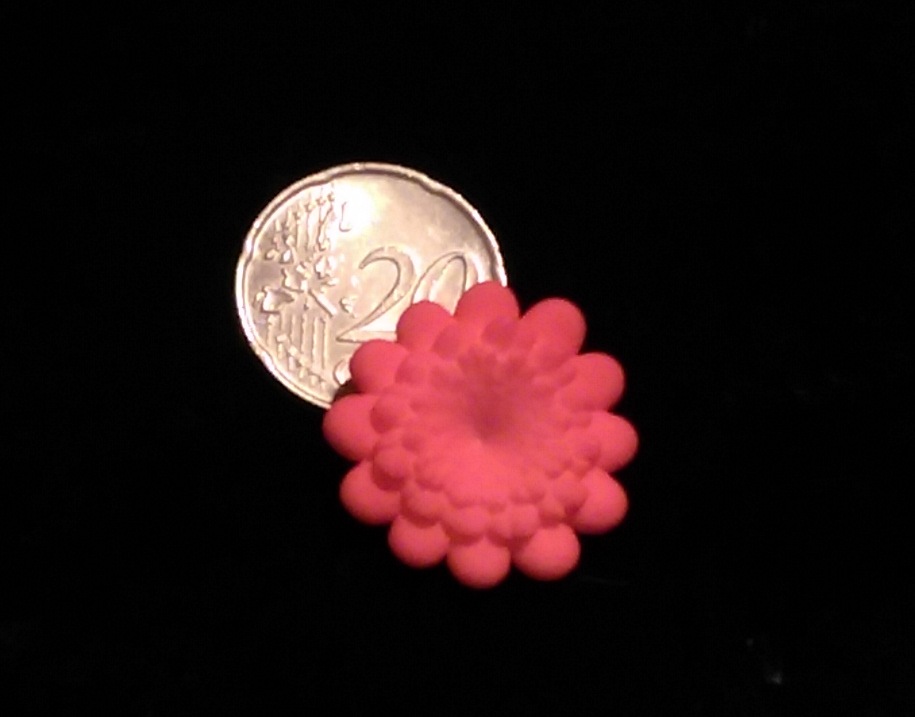
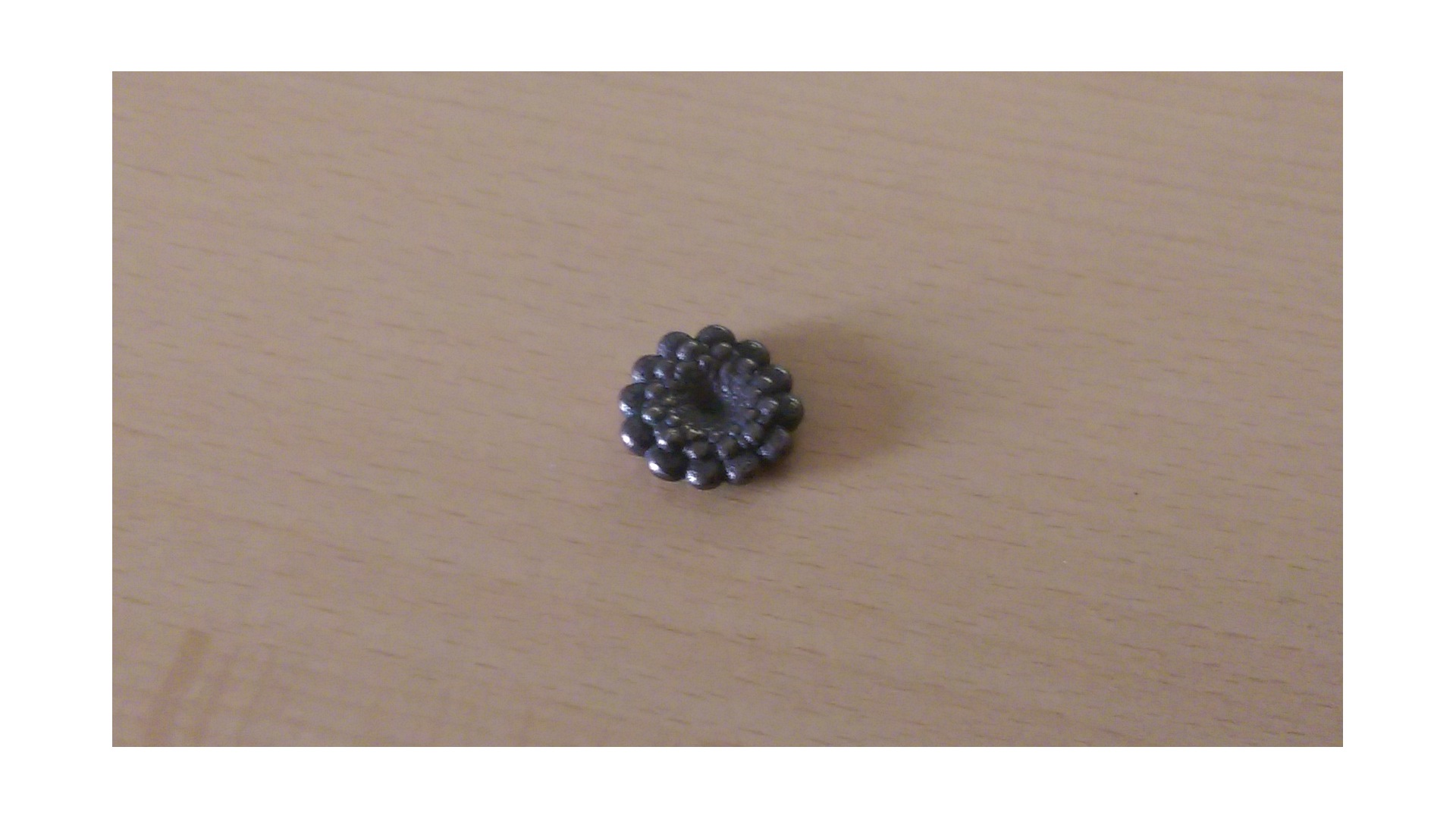
      • Created an official JWildfire-shop at shapeways: https://www.shapeways.com/shops/jwildfire (It is not about making money, just to show what
        the mesh-generator can do. But you can also buy this stuff, of course, I have tried to make the prices as fair as possible)
    • Other changes:
      • improved the speed and “smoothness” of the interactive renderer
      • extended the “mandelbrot”-variation by three params: “seed” (allowing fixed random shapes which may be better animated), “max_points” (to specify the number of fixed major points which build the shape, good if you plan to increase the surface by using a blur-variation) and “rnd_z_range” (specify a range at the z-direction where the major points get distributed, can lead to much more interesting models)
      • added new shape TRIANGLE and PYRAMID to “primitives_wf”-variation (right, it is now easy to build the pyramids :D)
      • fixed the encoding of the start_mac.command file, thanks again to Matthew Townsend
      • new “sph3D”-variation by Xyrus02
      • added the methode getCurrLayer() to the script-runner-interface
      • some additions to the FAQ-section

    Enjoy! 🙂


  • JWildfire V1.80 release: opening new worlds

    Just released JWildfire V1.80 which is .. again … a striking new version. It features a completely new module designed to generate 3D-models from your fractals in an easy way.
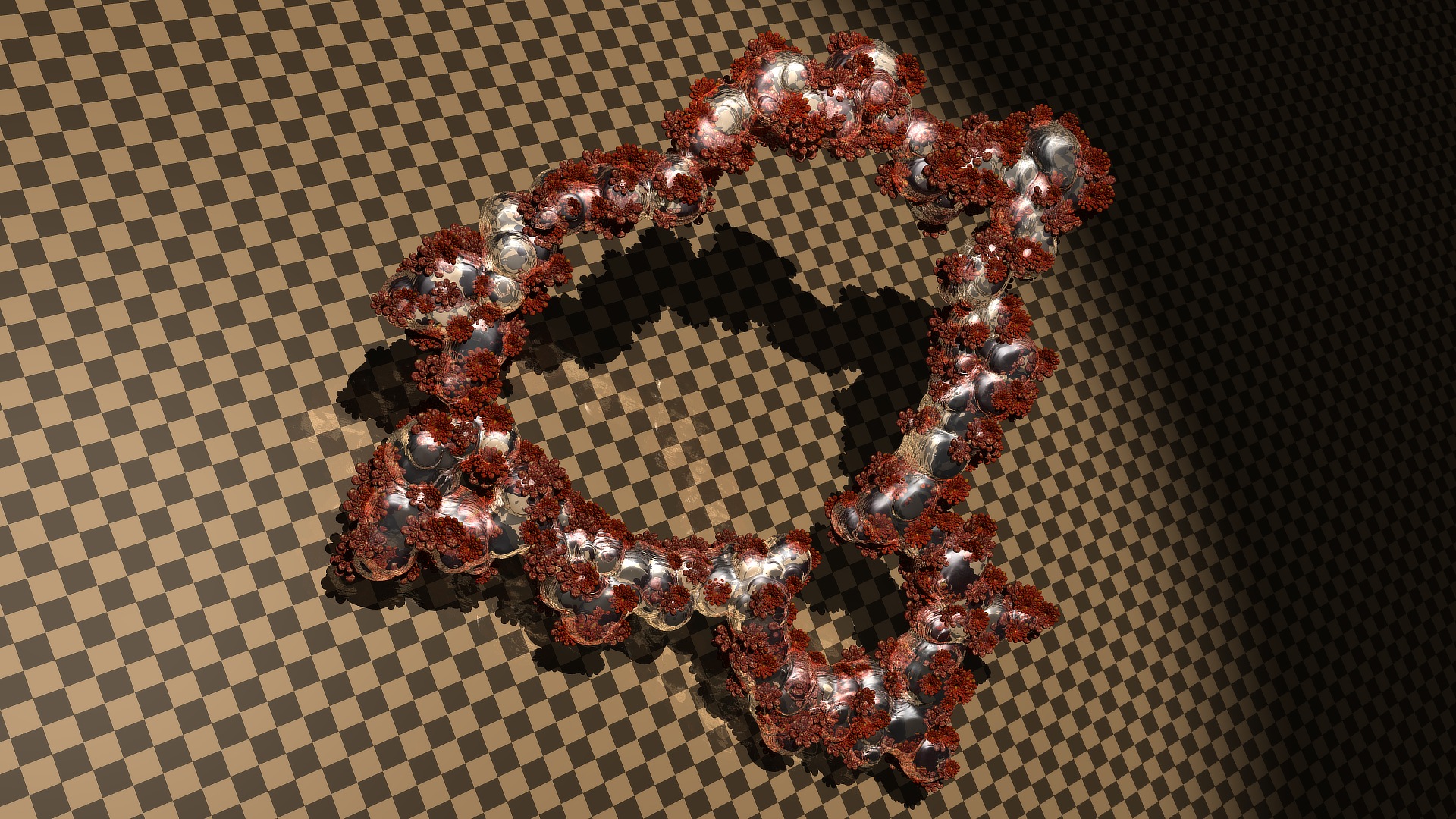
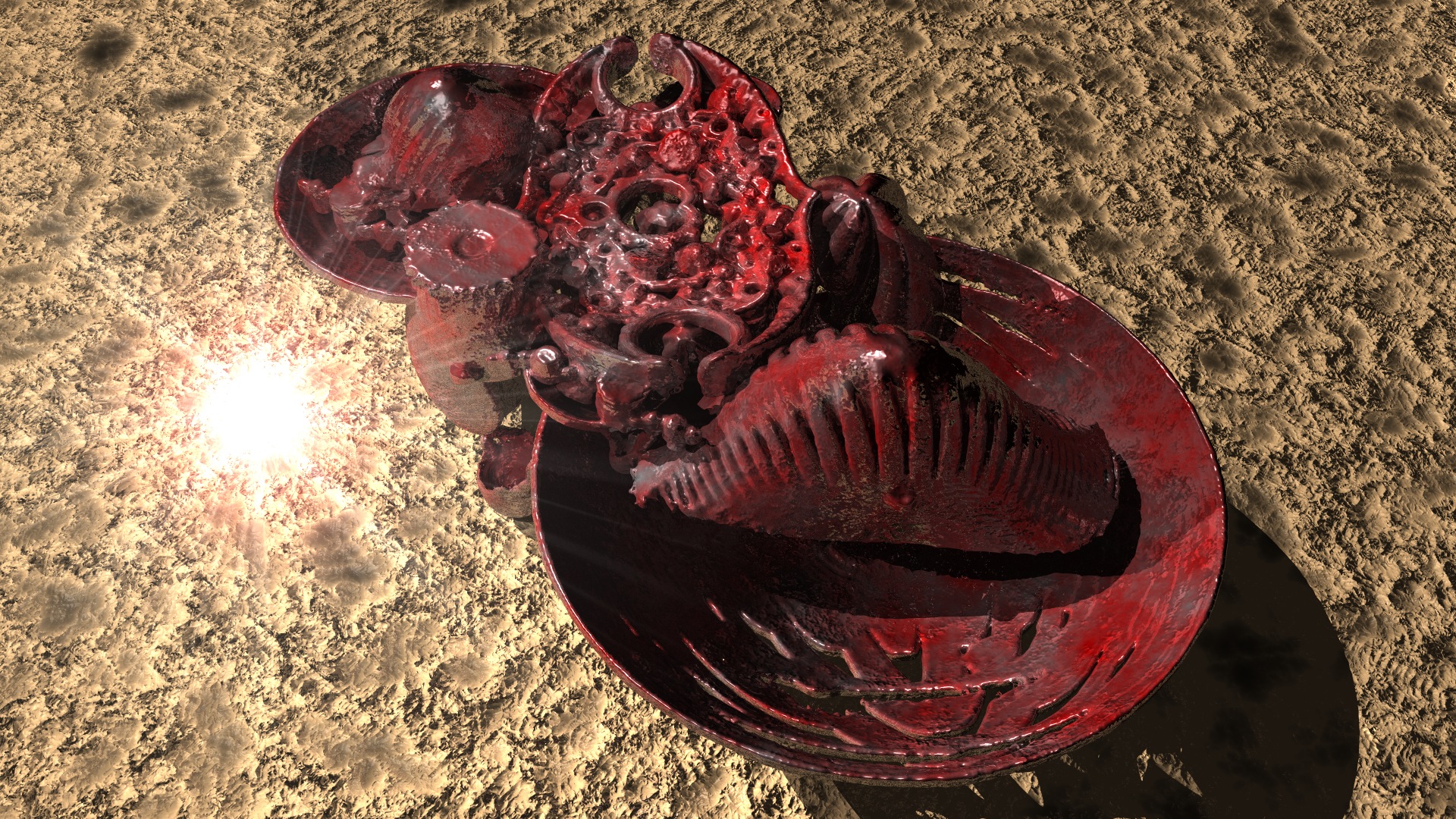
    You can use those models in any available  3d-package to create “real” 3d-images with refraction-effects, shadows and whatever you want. You can even animate them. Or you could create solid objects to put onto your (real! :-)) desktop, or create some extremely cool gift for your girlfriend, by using a 3d-printing-service!

    But, please note, that this is a complete new (and independent) module, which will not “impact” the classical flame-fractal-generating in any way. So, if you feel, you will not need this new feature, this is absolutely ok 🙂 There are still new worlds to enter with this new version: First, there are some new variations by dark-beam, second, there are significant changes to the random-color-generator, creating now much more interesting results, third: the custom_wf-variations react much more friendly on errors now. Will make it much more fun to try out new formulas and stuff 🙂

    Complete list of changes:

    • new module to generate meshes from 3d-flame-fractals! The module consists of three parts:
      • a volumetric renderer
      • a mesh generator which uses the marching-cubes-algorithm to generate a mesh from a stack of rendered images
      • a previewer which can either create a quick-preview by some internal renderer or a high quality-preview by using the integrated sunflow-renderer
      • In comparison to some other solutions the module has the following strengths:
        • it works multi-threaded and has decent speed
        • it creates not only vertices, but also vertex normals
        • it is able to process really huge meshes, if you have enough memory
        • the mesh-generator supports additional smoothing and can process any image-stack in the formats supported by JWildfire. So probably you could also convert Mandelbulb3D Voxelstack by using this modeule (I have not tried it, so any feedback is welcome)
        • it is extensible and open source
      • a tutorial-document describing how to use the new module, including an example, is provided in the new help-section (Users of the V1.80 ALPHA: Please note that both the program and the document have changed in several significant ways)
    • restructured the Help/About-section, updated some informations, added an Aphophysis-users-hints-page
    • improved the “Strong hue”-random-color-generator to produce more interesting results
    • black-border-fix for the “bwrands”-variation by dark-beam
    • new “log_db”-variation by dark-beam
    • new “asteria”-variation by dark-beam
    • new “ztwister”-variation by dark-beam
    • made the “custom_wf”-variations more robust to errors. If an error occurs during regular calculation (e.g. after loading a flame with errors in the java-code) the variation does nothing. If you edit the code, you cant save it until you fixed the error
    • improved start-script for Macs by Matthew Townsend
    • new fluent-API to create sunflow-scenes (only interesting for developers)

    Enjoy! 🙂