
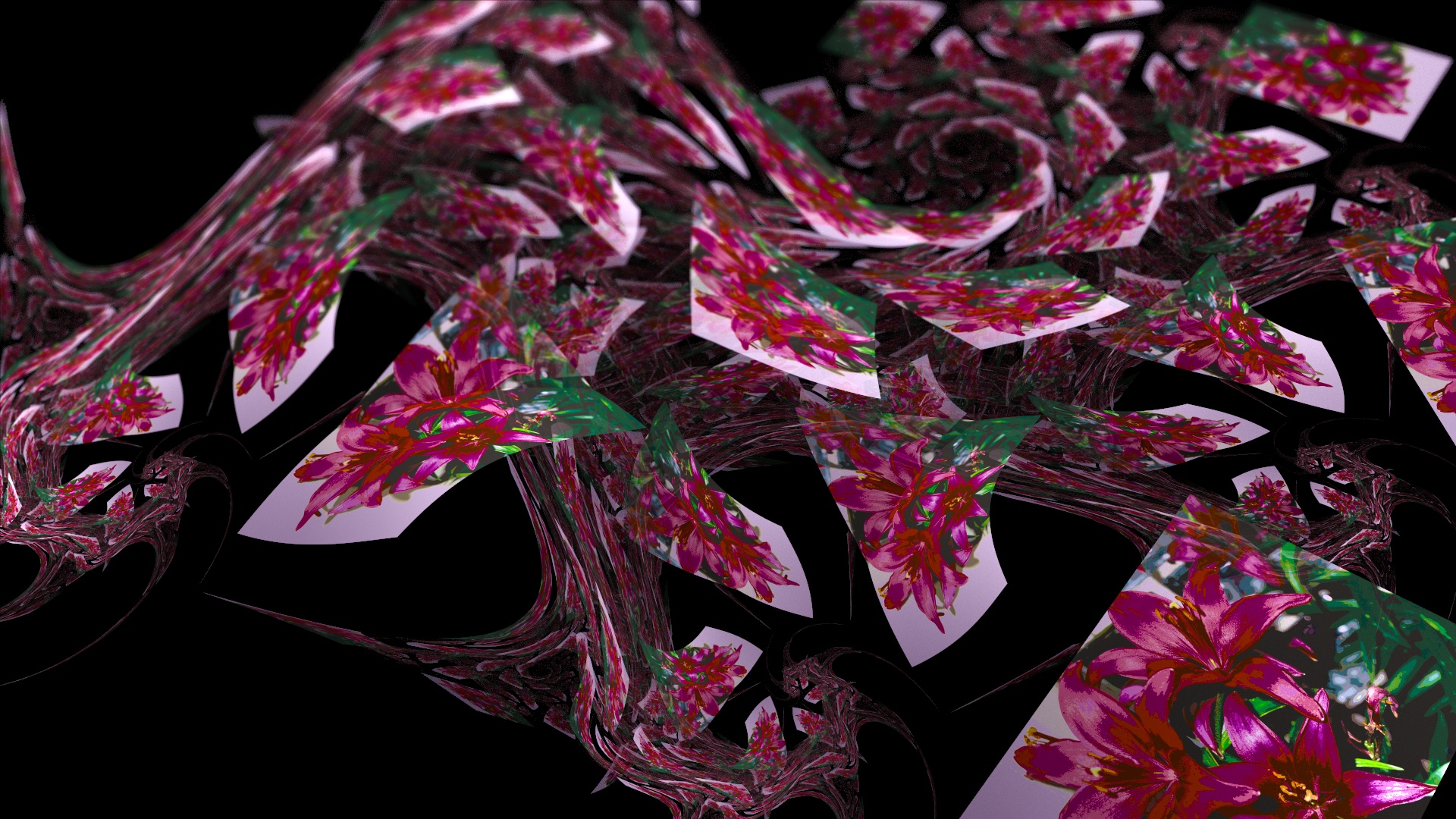
Mapping fun (HDR render)
Just released JWildfire V0.49.
Major additions where made to editing capabilities of the fractal flames editor.
First, there is now a undo/redo function 🙂
Additionaly, there is is a “Free triangle editing mode” where you can modify the control points of transforms freely by using the mouse.
Complete list of changes:
– undo/redo manager
– free triangle point editing mode
– SphericalN variation by eralex61
– improved the “smoothness” of the centre- and zoom-controls
– FIXED: thumbnails were always created at the density which was stored in the flame files
– improved the behaviour of numeric editing field so that they begin to change values only after a certain mouse movement and not immediately after clicking at the field
– inverted the behaviour of the triangle zoom-in/out buttons so that they now work as intended
– show the available memory in the title bar
Just click the “Random flames” button to start playing around and have fun 🙂
Just released JWildfire V0.48.
This is a consolidation release, most changes apply to the fractal flames generator T.I.N.A.:
Just click the “Random flames” button to start playing around and have fun 🙂